/
/





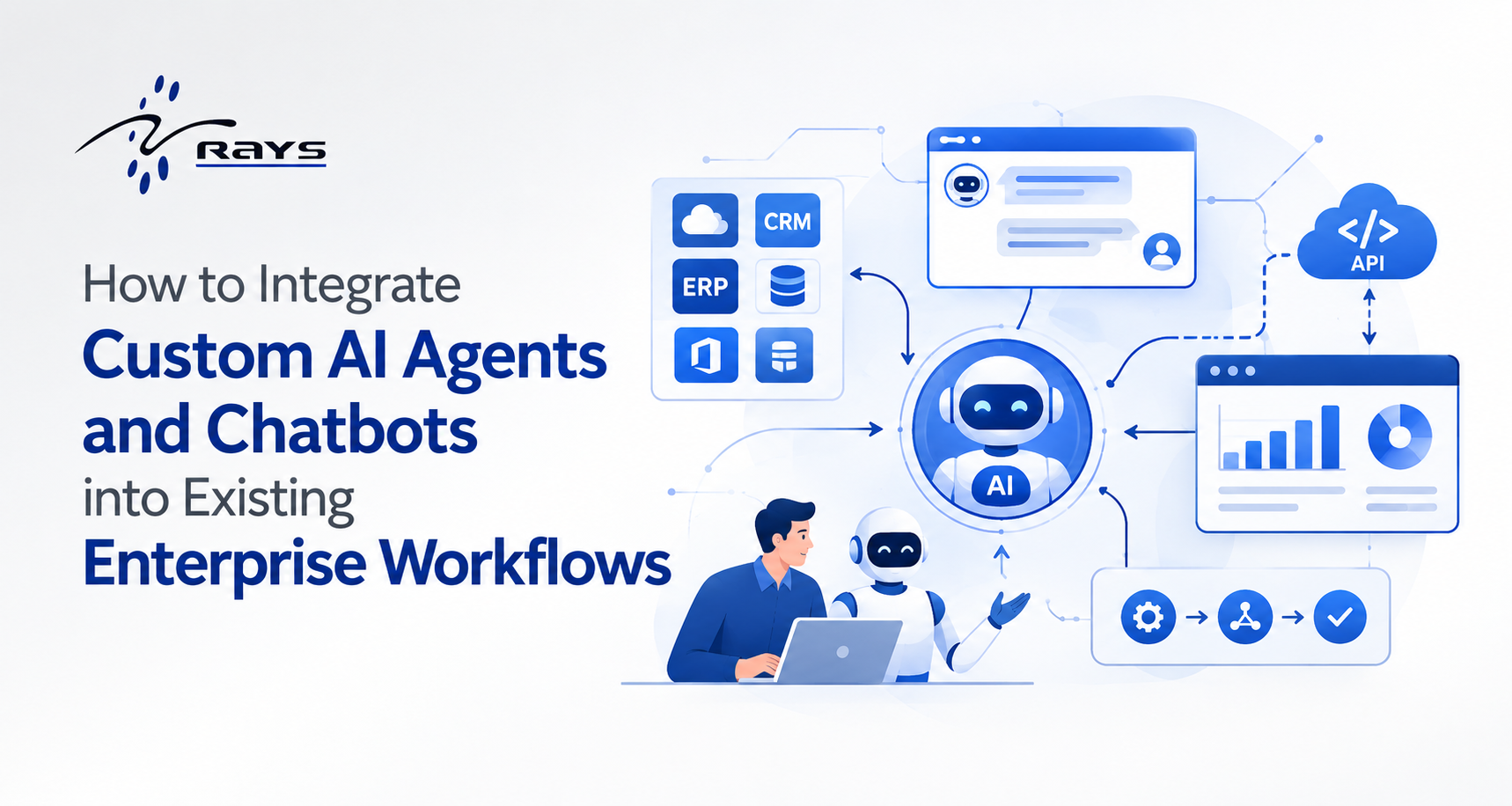
Enterprise AI has moved past the “should we?” phase. Most leaders now want custom AI agents and chatbots handling real work: resolving support tickets, processing invoices, answering HR questions, and updating records across systems.
The hard part is enterprise AI integration. Your CRM, ERP, ticketing platform, and approval chains took years to build, and they aren’t going away. Many AI pilots dazzle in a demo and then stall in production because they were built as standalone tools rather than as participants in existing workflows.
This guide walks through a step-by-step approach to integrating AI agents into enterprise workflows without breaking what already works.
Start With the Workflow, Not the Technology
The most common failure pattern begins with the sentence “we need a chatbot.” Begin instead with a business process that is painful today.
The best candidates for AI workflow automation share these traits:
- High volume and repetitive: IT helpdesk requests, invoice matching, HR policy questions, order status inquiries
- Clear inputs and outputs: you can objectively tell whether the agent got it right
- Measurable pain: long wait times, manual handoffs, frequent errors
- Bounded risk: mistakes are recoverable, not catastrophic
Map the current process end to end. Document who touches each step, which systems are involved, where delays occur, and where human judgment is truly required. This map becomes the blueprint for where your AI agent fits.
Choose the Right Level of Autonomy
“AI agent” covers a wide spectrum. Decide deliberately how much independence yours gets.
- AI assistant: answers questions and retrieves information, while a human acts on the answer. Best for knowledge search and FAQs.
- AI copilot: drafts, recommends, or pre-fills, while a human reviews and approves. Best for sales emails, case summaries, and contract review.
- Autonomous agent: takes actions across systems within guardrails and escalates exceptions to people. Best for ticket routing, refunds under a set threshold, and routine data updates.
Most organizations should start with an assistant or copilot and earn their way to autonomy. Trust builds faster when people can see the agent’s work and correct it. This is the core idea behind safe agentic AI adoption.
Connect Through Clean Integration Points
An agent that can only talk is a novelty. An agent that can look up an order, update a ticket, or trigger an approval delivers value. That requires solid AI agent integration architecture.
- Prefer APIs over screen-scraping. Wrap existing services in documented, permissioned APIs that the agent can call as tools. Standards like the Model Context Protocol (MCP) help expose systems to agents consistently, so you’re not writing a one-off connector for every use case.
- Add an orchestration layer. Place a middle layer between the model and your systems to handle tool calls, retries, logging, and error handling. AI agent orchestration keeps business logic out of prompts and makes behavior testable and predictable.
- Meet users where they work. Embed your enterprise chatbot in Slack, Microsoft Teams, your intranet, or the CRM itself. Adoption drops sharply when employees must open yet another app.
- Plan for legacy systems. For older platforms without modern APIs, use middleware, RPA as a bridge, or a thin service layer. Don’t let one legacy system block the whole initiative.
Ground the Agent in Enterprise Knowledge With RAG
A generic language model doesn’t know your refund policy, product catalog, or internal terminology. Retrieval-augmented generation (RAG) lets your agent pull from approved sources at answer time, which reduces hallucinations and keeps responses accurate.
To make RAG work in the enterprise:
- Index trusted content: policies, knowledge bases, contracts, and product documentation
- Keep it fresh: stale documents produce confident wrong answers
- Respect access controls: the agent should only retrieve what the requesting user is permitted to see
- Cite sources: let users verify answers with one click
Content quality matters more than model choice. Contradictory documentation produces contradictory answers, so clean up your knowledge base before you plug it in.
Build Security, Governance, and Compliance In From Day One
This is what separates a prototype from a deployable system. Strong AI governance means getting the following right early:
- Identity and permissions: the agent should act with the user’s permissions or a tightly scoped service identity, never a blanket admin account
- Data protection: define what data may reach the model, mask sensitive fields, and confirm where data is processed and stored
- Audit trails: log every request, tool call, and action so you can reconstruct what happened and why
- Guardrails: set limits on permitted actions, spending thresholds, and off-limits topics
- Regulatory alignment: map your deployment to relevant frameworks such as GDPR, HIPAA, SOC 2, or industry-specific rules
Bring security, legal, and compliance teams in at the start. Retrofitting governance later costs far more than designing for it.
Keep Humans in the Loop
Full automation is rarely the right first goal. Human-in-the-loop AI design makes the system safer and more trusted. Build in explicit handoff points:
- Confidence thresholds: low-confidence answers route to a person
- Approval steps: high-impact actions like payments or contract changes require sign-off
- Context-rich escalation: when the agent hands off, it passes along the full conversation so nobody repeats themselves
- Feedback loops: users can flag bad answers, and those corrections feed improvement
Human oversight isn’t a sign the agent is failing. It’s what makes it safe to expand.
Pilot Small, Measure Honestly, Then Scale
Choose one workflow and one team. Define success before launch, using metrics tied to business outcomes rather than activity:
- Average resolution time and first-contact resolution rate
- Automation or ticket deflection rate
- Error and escalation rates
- Employee or customer satisfaction (CSAT)
- Cost per interaction and hours saved
Capture a baseline before launch so you can prove impact. Test with real users and real edge cases, not clean demo scenarios. Once the pilot shows measurable value, extend to adjacent workflows and reuse the integration components you’ve already built. This is how enterprise automation compounds over time.
Invest in Change Management
Technology is often the easier half. People need to understand what the agent does, what it doesn’t do, and how it changes their roles.
- Involve frontline employees in design. They know where the process really breaks.
- Train users on effective prompting and on the agent’s limitations.
- Be transparent that the goal is to remove tedious work, and follow through.
- Assign clear owners for performance, content quality, and ongoing improvement.
Monitor and Improve Continuously
An AI agent is a living system, not a one-time deployment. Models evolve, policies change, and user needs shift. Set up ongoing monitoring for accuracy, latency, cost, and drift. Review conversation logs regularly to spot gaps, and maintain a regression test set so improvements don’t quietly break existing behavior.
Common Mistakes to Avoid
- Building a flashy demo with no path to production integration
- Granting the agent overly broad system permissions
- Feeding it messy, outdated knowledge
- Measuring chat volume instead of business outcomes
- Skipping training and change management
- Treating launch day as the finish line
Quick Integration Checklist
- Workflow selected and mapped end to end
- Autonomy level defined (assistant, copilot, or agent)
- APIs, orchestration layer, and channel chosen
- Knowledge sources cleaned, indexed, and permissioned
- Security, compliance, and audit logging approved
- Human handoff and escalation paths designed
- Baseline metrics and success criteria set
- Users trained and owners assigned
- Monitoring and feedback loop in place
Final Thoughts
Successful enterprise AI integration depends less on the sophistication of the model and more on disciplined execution: choosing the right workflow, connecting cleanly to existing systems, grounding the agent in trusted knowledge, and wrapping it in security and human oversight.
Start small, prove value, and expand deliberately. The organizations that get this right won’t just have a chatbot. They’ll have a reliable digital teammate embedded in the way work actually gets done.
Ready to bring AI agents into your workflows?
Talk to our Team